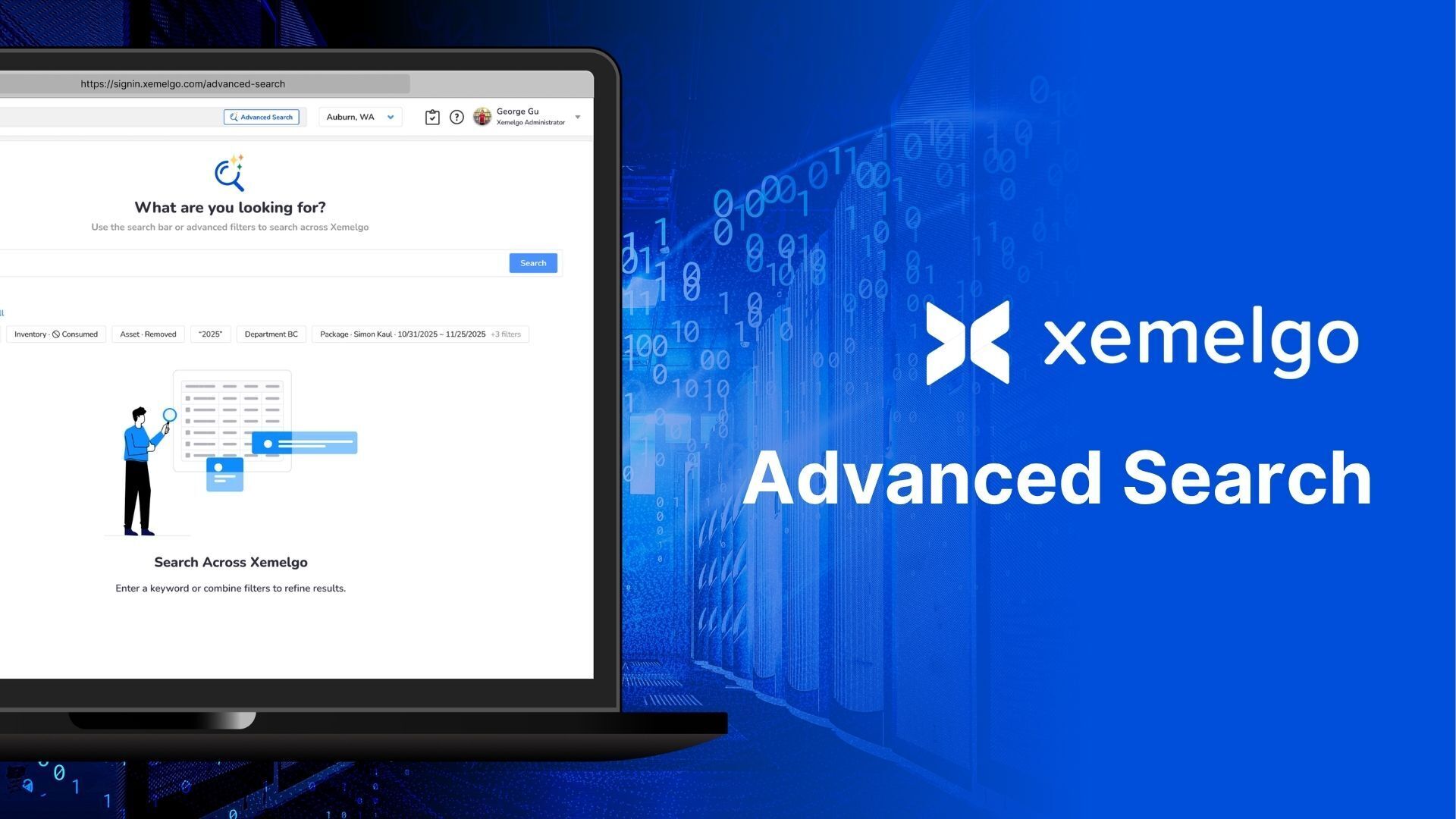
Searching in Xemelgo used to mean looking up one item at a time. Find a match, click in, then navigate back and search all over again to check the next one. And somewhere in there you had to remember what you'd already looked at. With Advanced Search, you see every matching item in one place. Dig into each one, then land right back on the same list when you're done.
Every Related Item, One Search Away
Advanced Search makes finding every item that matches your criteria simple. Apply filters like time range, stock status, expiration date, or location to narrow in on exactly what you need.
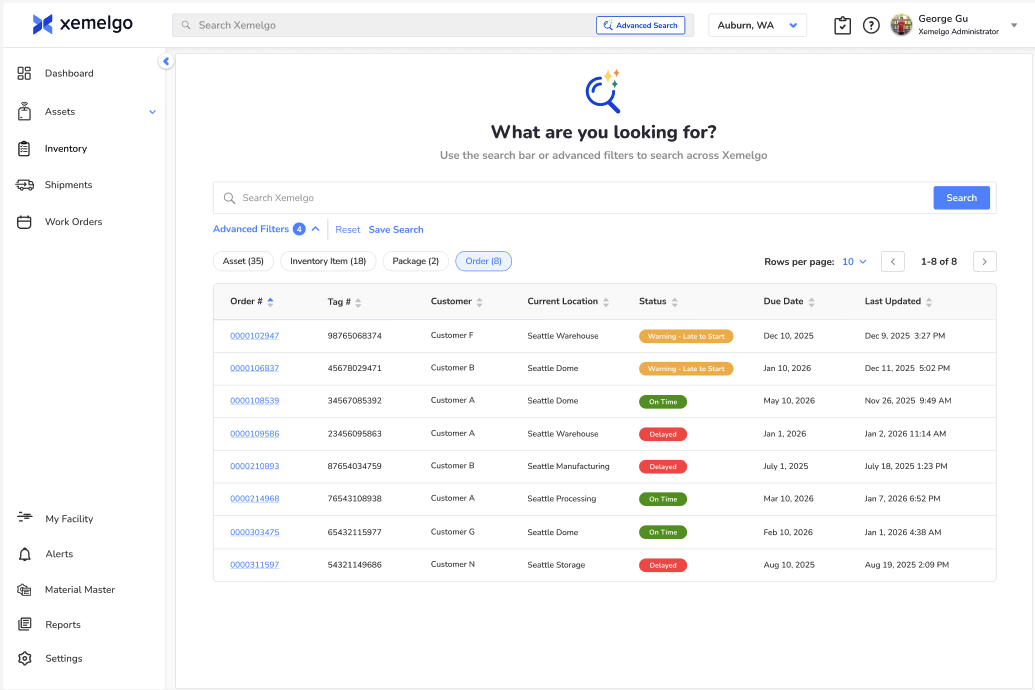
See every matching item in one place. Sort through the results, then click into any item to update its status, location, and more.
How It Works
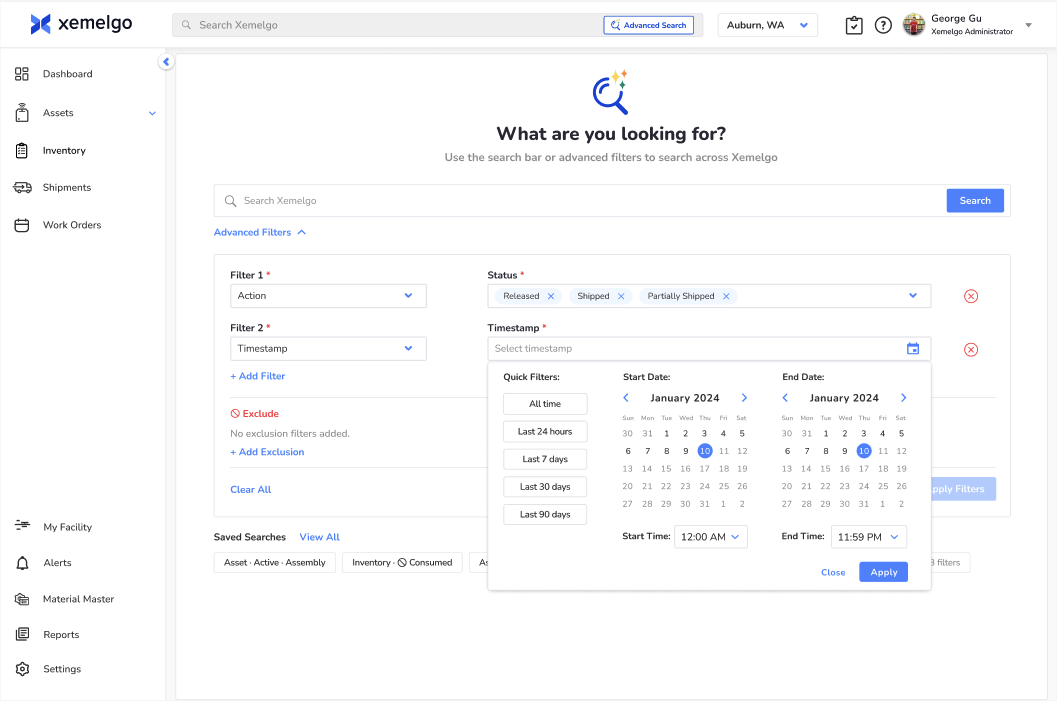
- Select "Advanced Search" in the top navigation to get there.
- Click "Advanced Filters" to add criteria to include or exclude fields such as location, date, lot number, status, and more.
- Apply the filters. Every matching item shows up in the table.
- Sort, export, or click into any item to make updates.
Beyond the Search Bar
Most investigations need more than one answer. You might need every item at a location, everything that's low on stock, or everything that's expired or consumed. Before Advanced Search, that meant running the same search over and over, exporting each result, then combining it all by hand in a spreadsheet just to see the full picture. It's easy to lose track of what you've already checked.
With Advanced Search, filter once and see everything that matches in one place. What used to take an hour now takes minutes.
Where It Fits
Advanced Search is built to search for items across all Xemlego solutions:
- Inventory - find missing stock, everything expiring by a certain date, or items consumed or returned in a window.
- Assets - track calibration dates, or find every asset of a certain type at a location.
- Work Orders - surface every delayed order or filter by customer in seconds.
- Transfer Orders - see what shipped, partially shipped, or released on a given date.
No matter the solution, Advanced Search works the same way: one filter, every result, all in one place.
Advanced Search is available to all current Xemelgo customers.
Not a customer yet? Connect with our team to learn more about Xemelgo's RFID Platform.